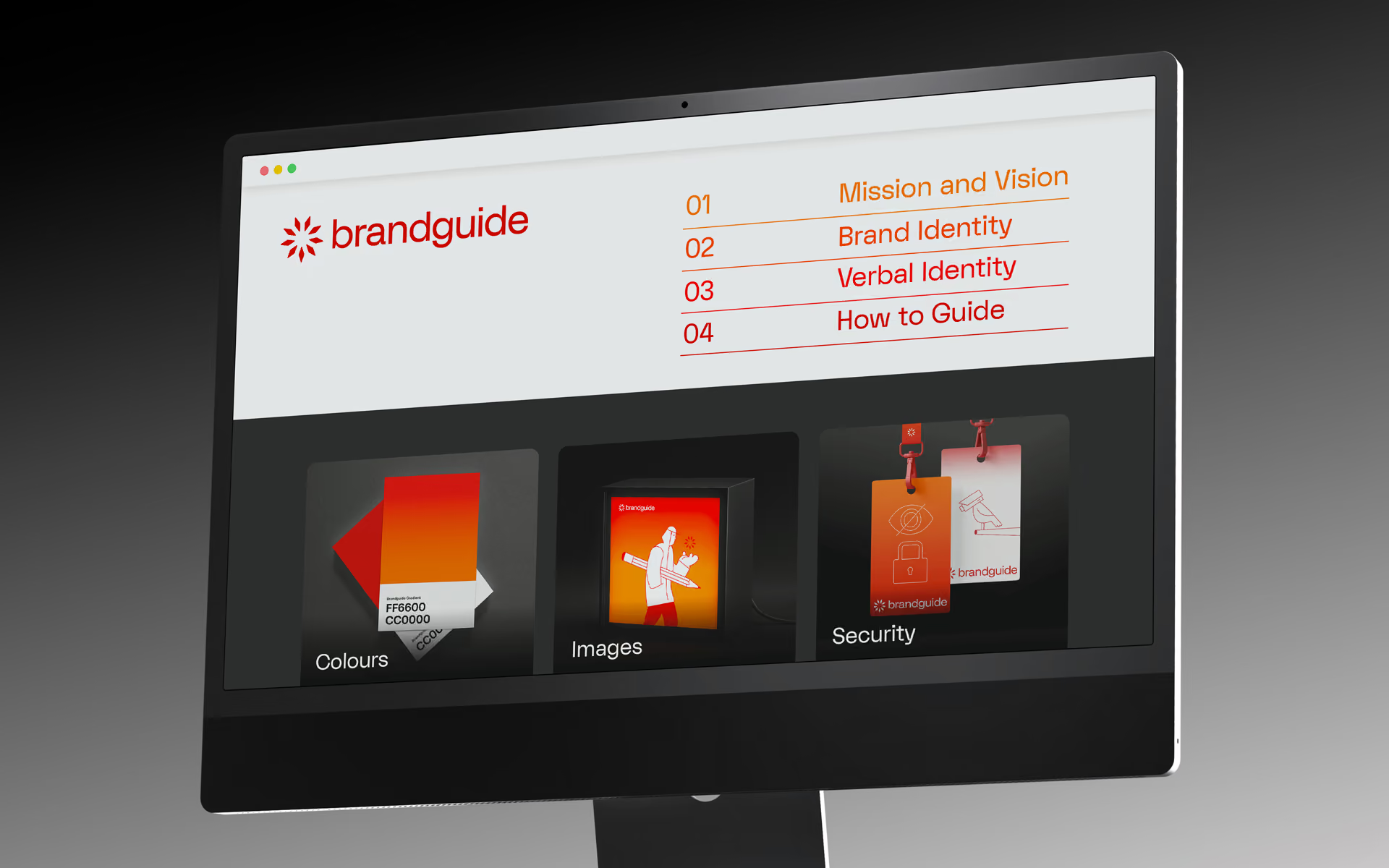
Your single source of truth.

For agencies and brands.

Easy to make.
Simple to manage.

The brand portal built to keep your promise.
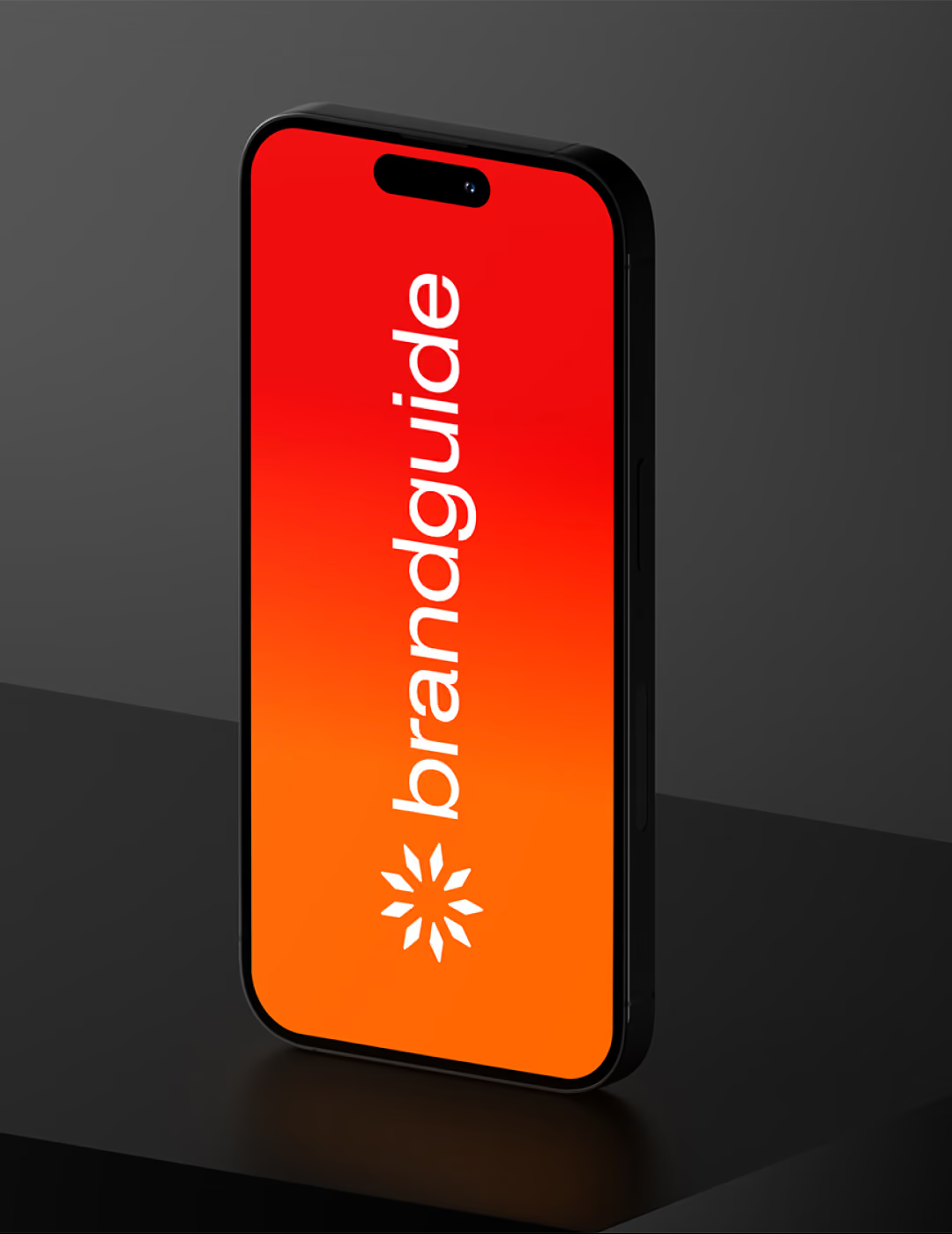
Black smartphone standing vertically on a dark surface with a red-to-orange gradient screen displaying the white text 'brandguide' and a white geometric logo below it.
Dark background with a grid and several irregular quadrilateral outlines, one filled with a glowing orange gradient and orange circular nodes at its vertices.
Person holding a tablet displaying a digital illustration of a figure with red curly hair reaching toward a computer monitor, both on an orange gradient background.
Capital letter T with orange outline and anchor points on a dark grid background next to a white letter X.
Red-orange ID badge with white icons of a lock above a crossed-out eye, hanging by a black clip with an orange strap on a dark gradient background.
White geometric star-shaped symbol with eight diamond-like rays arranged evenly in a circular pattern on a dark gray background with an orange square outline and corner dots.
Illuminated vertical rectangular orange sign on a black corrugated wall with white text reading: Create. Collect. Share. and a white brandguide logo at the bottom.
Two color swatches on a dark gray surface, one red underneath and one orange on top with a small black outlined droplet icon in the bottom right corner.

Clients

The choice of visionary agencies and brands.

CapeRock

ILIAS Solutions
NPO

Qmusic

RTL Nieuws

BNNVARA

Roularta Mediagroup

Topsport Amsterdam

GMK Markenberatung

Nieuwe Stroom

Omroep Zeeland

Losberger De Boer

wibutler

Lowres Creative Studio

VML

FTI

Revitalize
Wizzer

Delta Fiber

VBK Advocaten

German Design Council

CapeRock

ILIAS Solutions

NPO

Qmusic

RTL Nieuws

BNNVARA

Roularta Mediagroup

Topsport Amsterdam

GMK Markenberatung

Nieuwe Stroom

Omroep Zeeland

Losberger De Boer

wibutler

Lowres Creative Studio

VML

FTI

Revitalize

Wizzer

Delta Fiber

VBK Advocaten

German Design Council

Features to build on
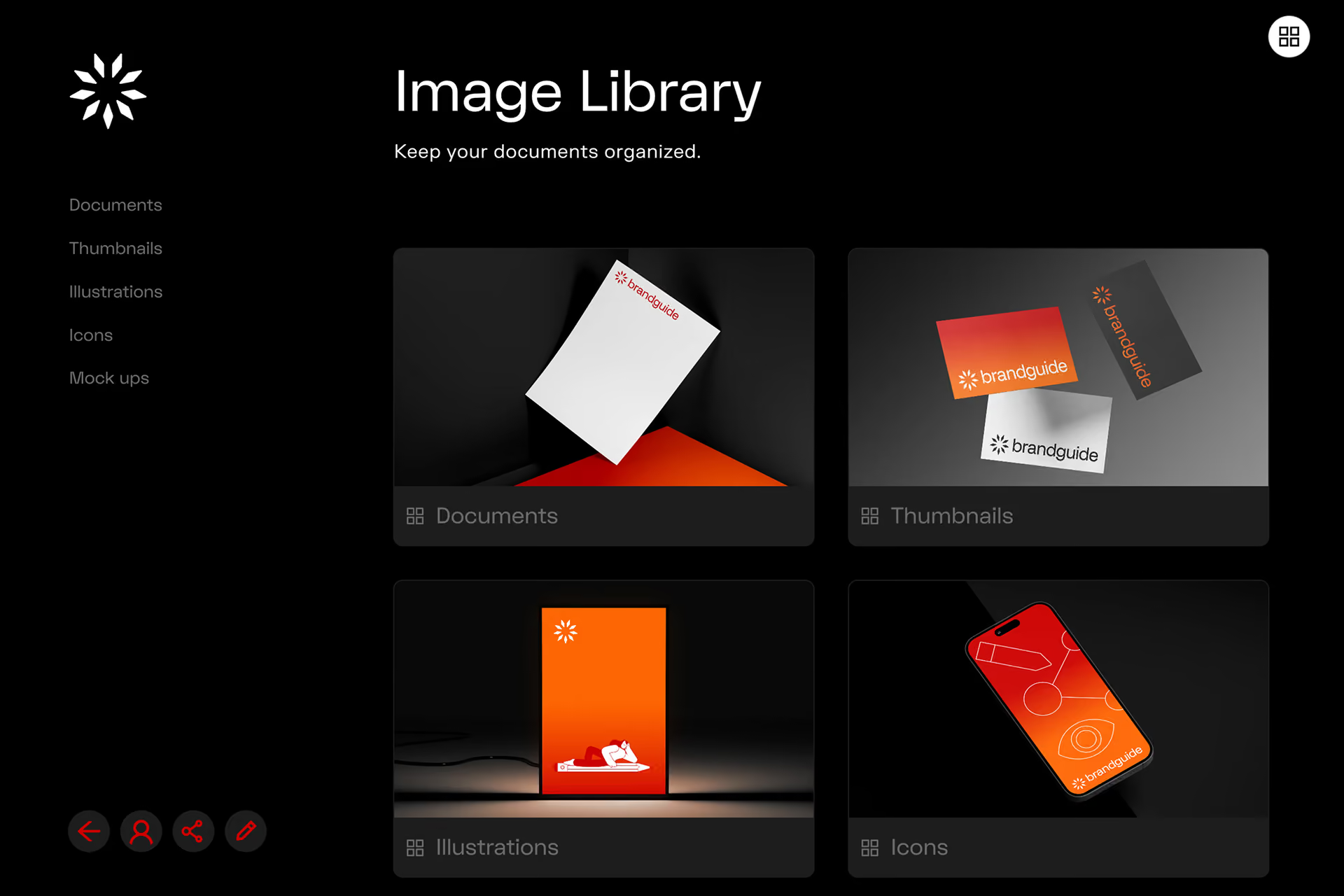
Dark-themed image library interface displaying categories: Documents with floating white paper labeled 'brandguide,' Thumbnails with three brandguide cards in orange, black, and white, Illustrations featuring a glowing orange screen with a lying character, and Icons showing a smartphone with red and orange abstract icons. Navigation menu on left lists Documents, Thumbnails, Illustrations, Icons, Mock ups. Top right has grid button, bottom left has four round red icons.

Digital Asset Manager

Brandguide combines a living style guide with an integrated DAM, keeping your assets and rules in one place. Upload all your assets inside the DAM. Organise your content in collections. Add data, labels and tags to find files faster.
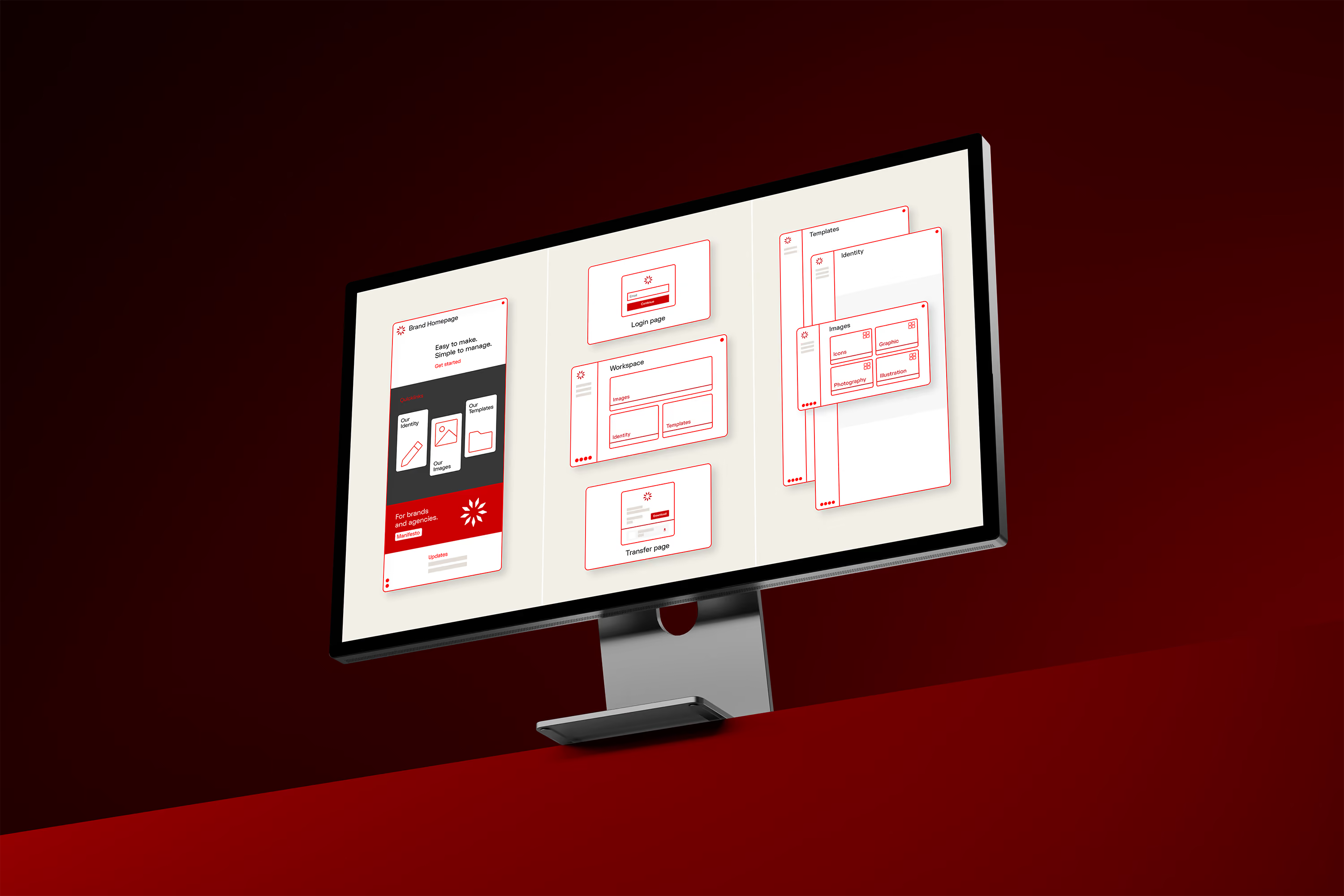
Flexible Structure

Organise your Brandguide with intuitive pages and folders directly in your browser. From structuring content with zero back-end hassle to building a full DAM with custom collections, manage your entire directory right in the front end.
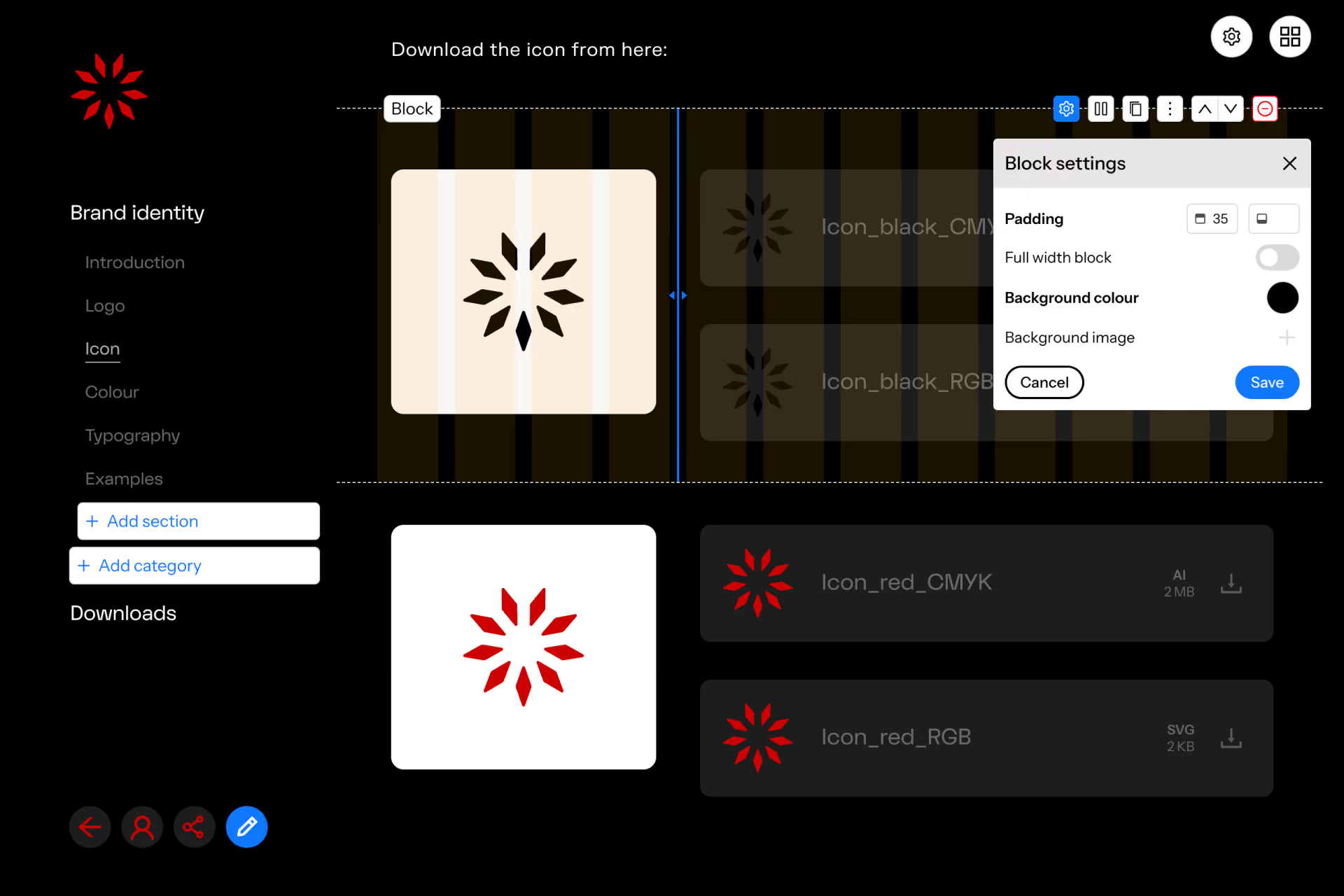
Screenshot of a dark-themed user interface for downloading brand icons, showing a red star-like icon on a white background, with options labeled 'Icon_red_CMYK' and 'Icon_red_RGB' for download in AI and SVG formats, a left sidebar menu with 'Brand identity' and related sections, and a block settings panel for padding and background color adjustments.

Edit Everything

Upload your brand logos, colours, fonts, videos and images. Customise every page, tailor every section of your Brandguide with modular blocks, columns and cards to craft a layout that feels exactly like your brand. Create a polished design system that feels uniquely yours.
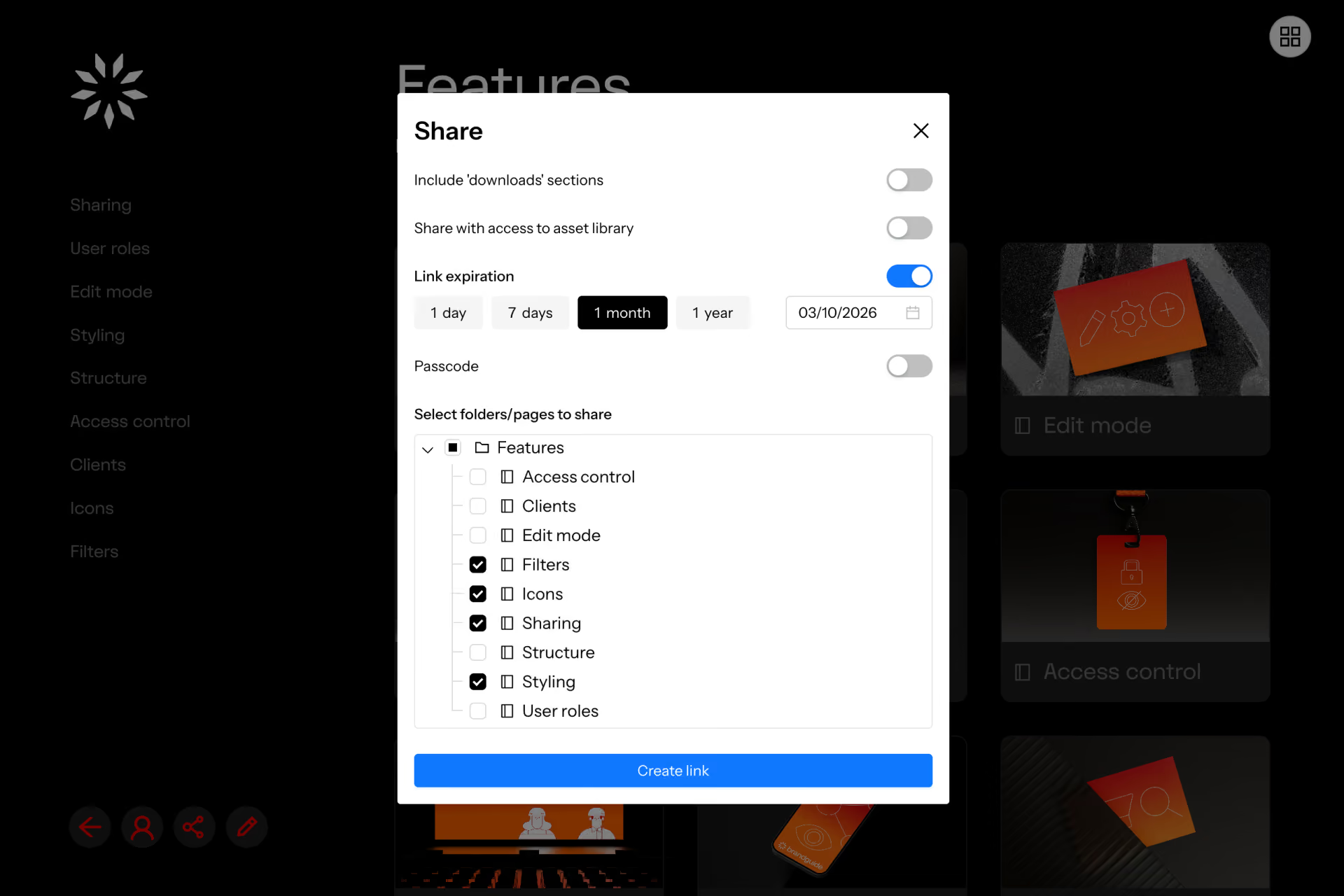
Screen showing a share settings dialog with toggles for including downloads, asset library access, and passcode; link expiration options for 1 day, 7 days, 1 month (selected), and 1 year with date 03/10/2026; a folder tree listing features with checkboxes for Filters, Icons, Sharing, and Styling selected; and a blue 'Create link' button at the bottom.

Share - Transfer - Download

Securely share individual assets, curated collections or the entire guide in a single click. Move heavy media files and complete brand packages instantly without clunky third-party tools. Give your team and your clients the freedom to grab the exact assets they need, when they need it.
Sharing at its very best.
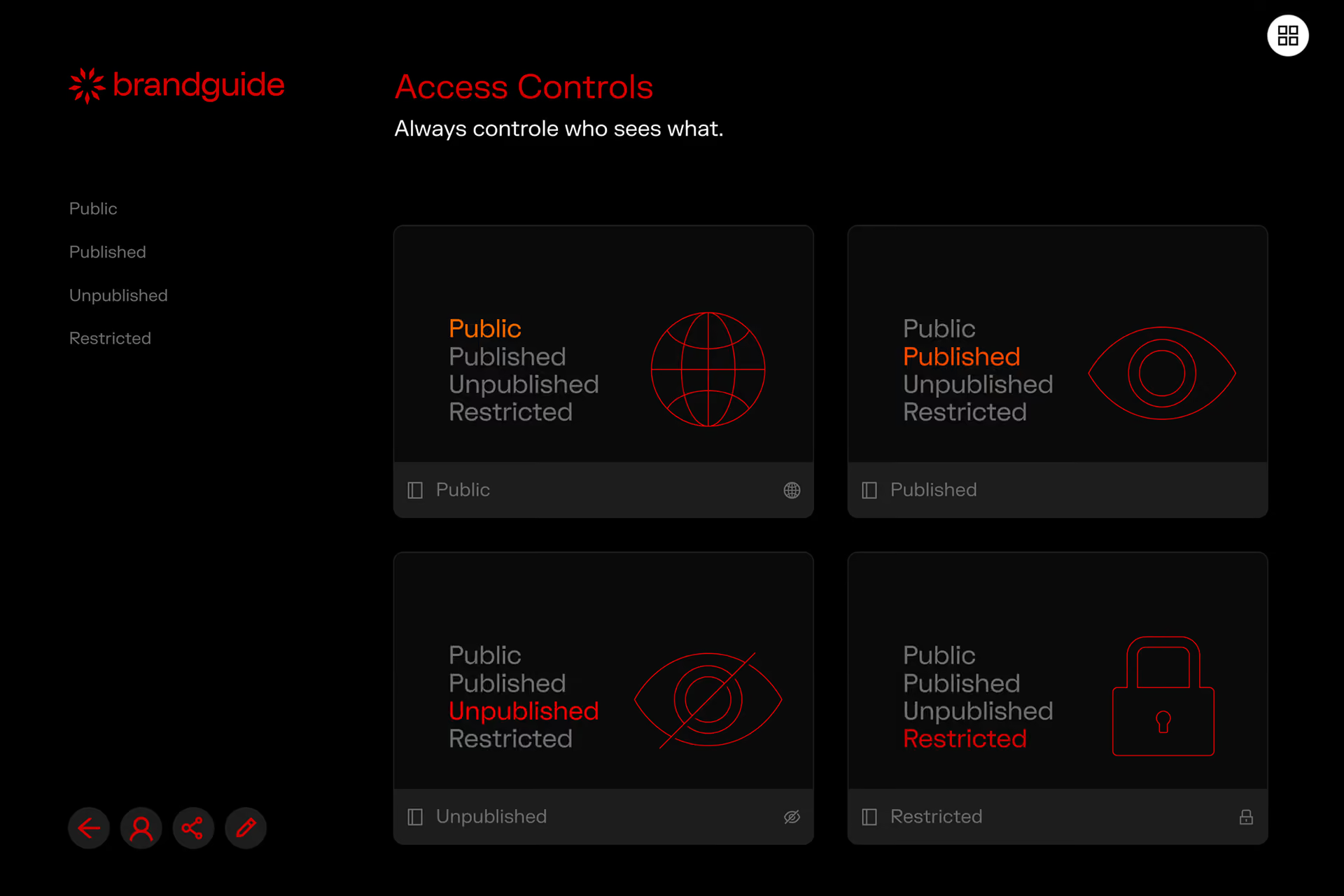
Access controls interface with four options: Public with an orange highlighted globe icon, Published with an orange highlighted eye icon, Unpublished with a red highlighted crossed-out eye icon, and Restricted with a red highlighted padlock icon. The options show different visibility statuses, and the screen has a dark theme with red and gray text.

Security & Safety

Protect your intellectual property without slowing down your team. Manage user permissions at a granular level, enforce custom access restrictions and deploy enterprise-grade Single Sign-on (SSO). Security that keeps your assets safe and your clients happy.

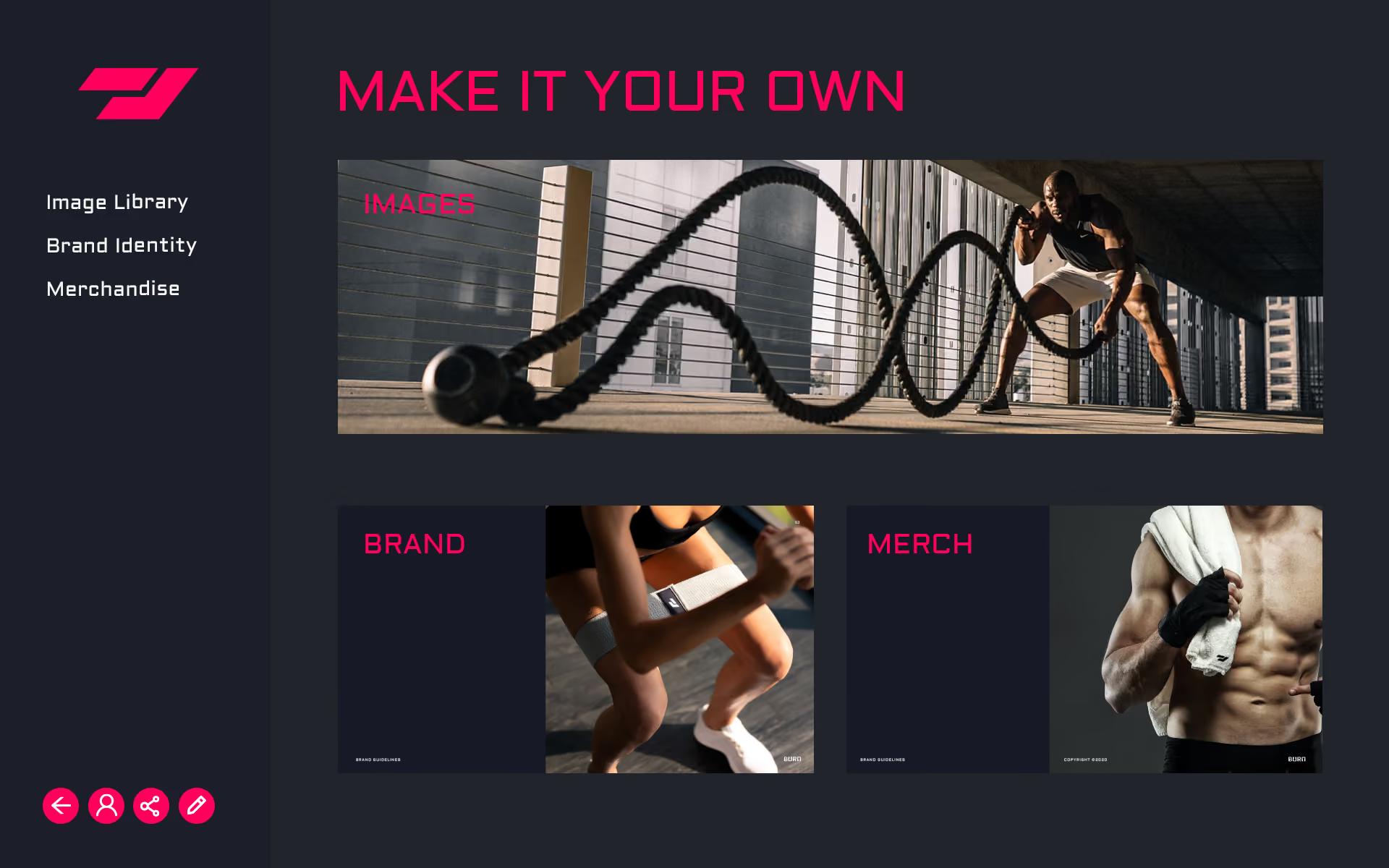
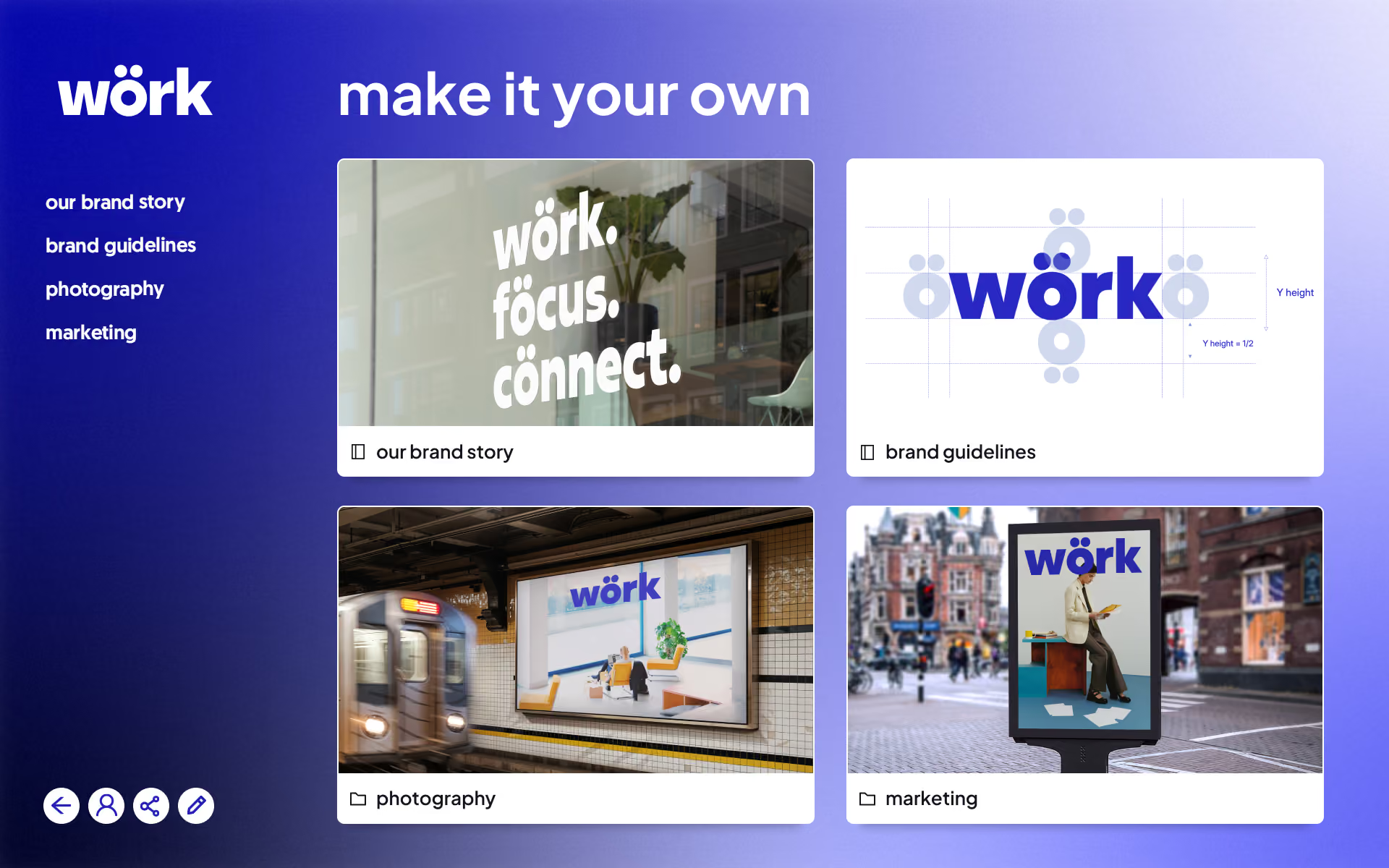
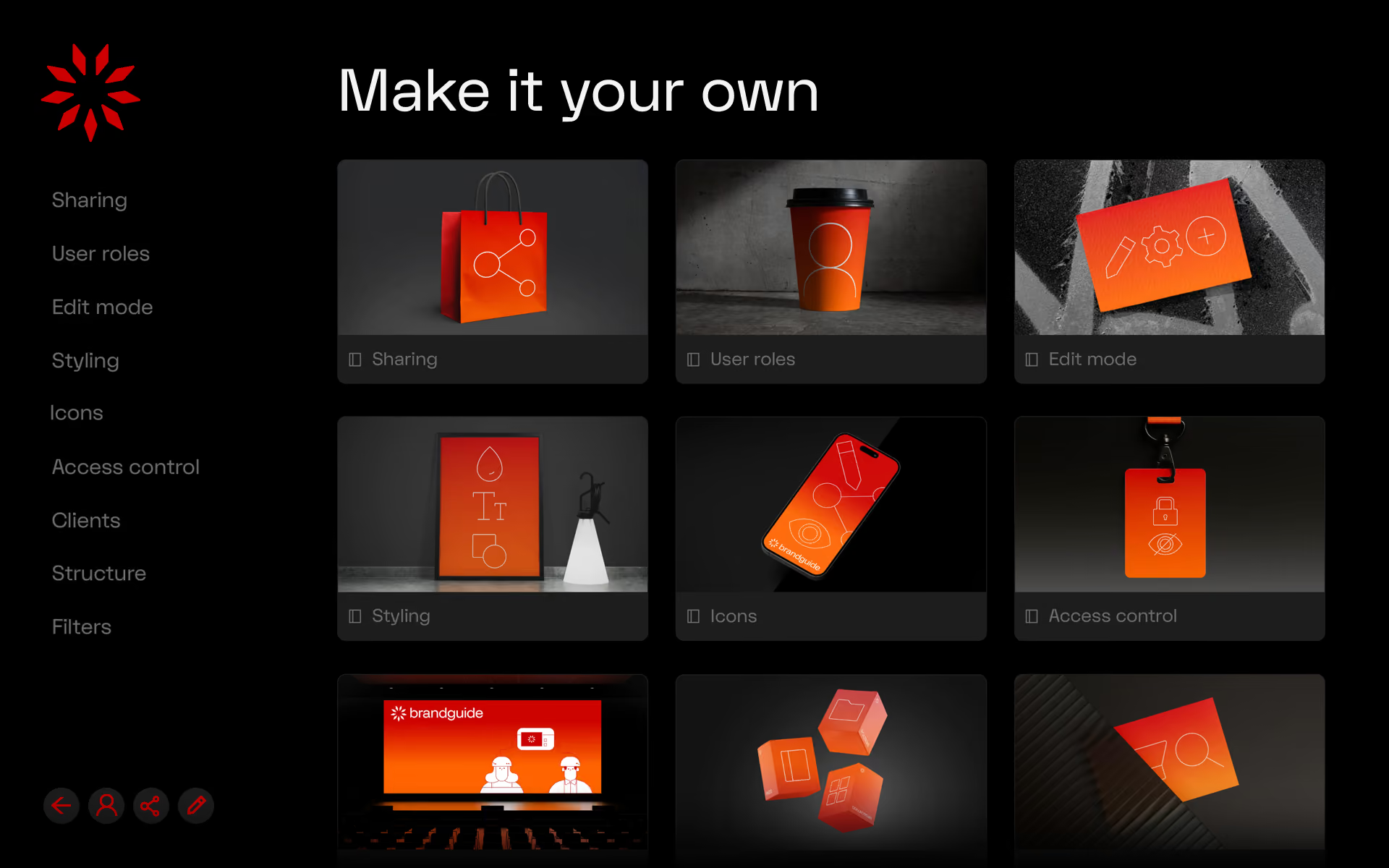
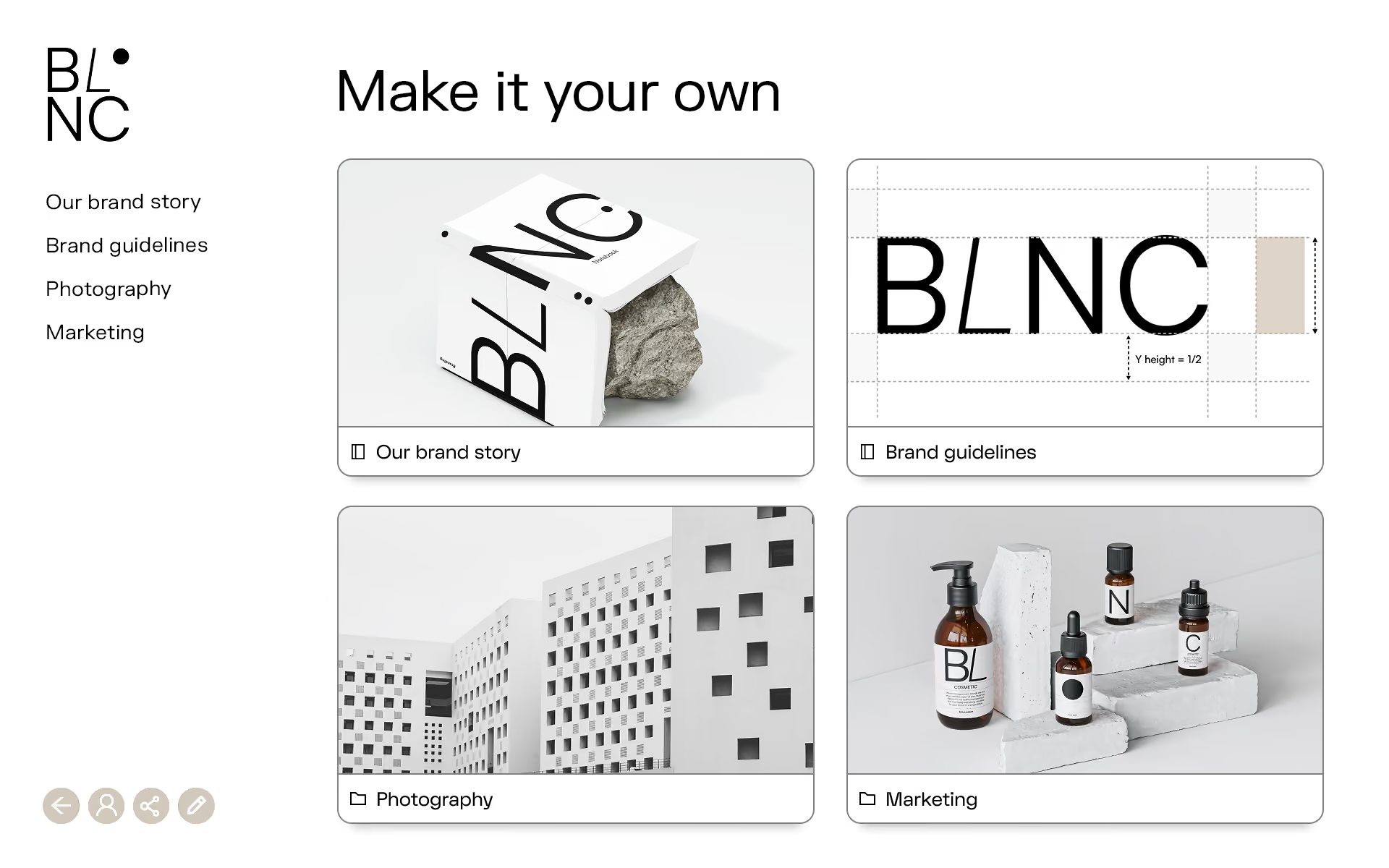
Make it your own
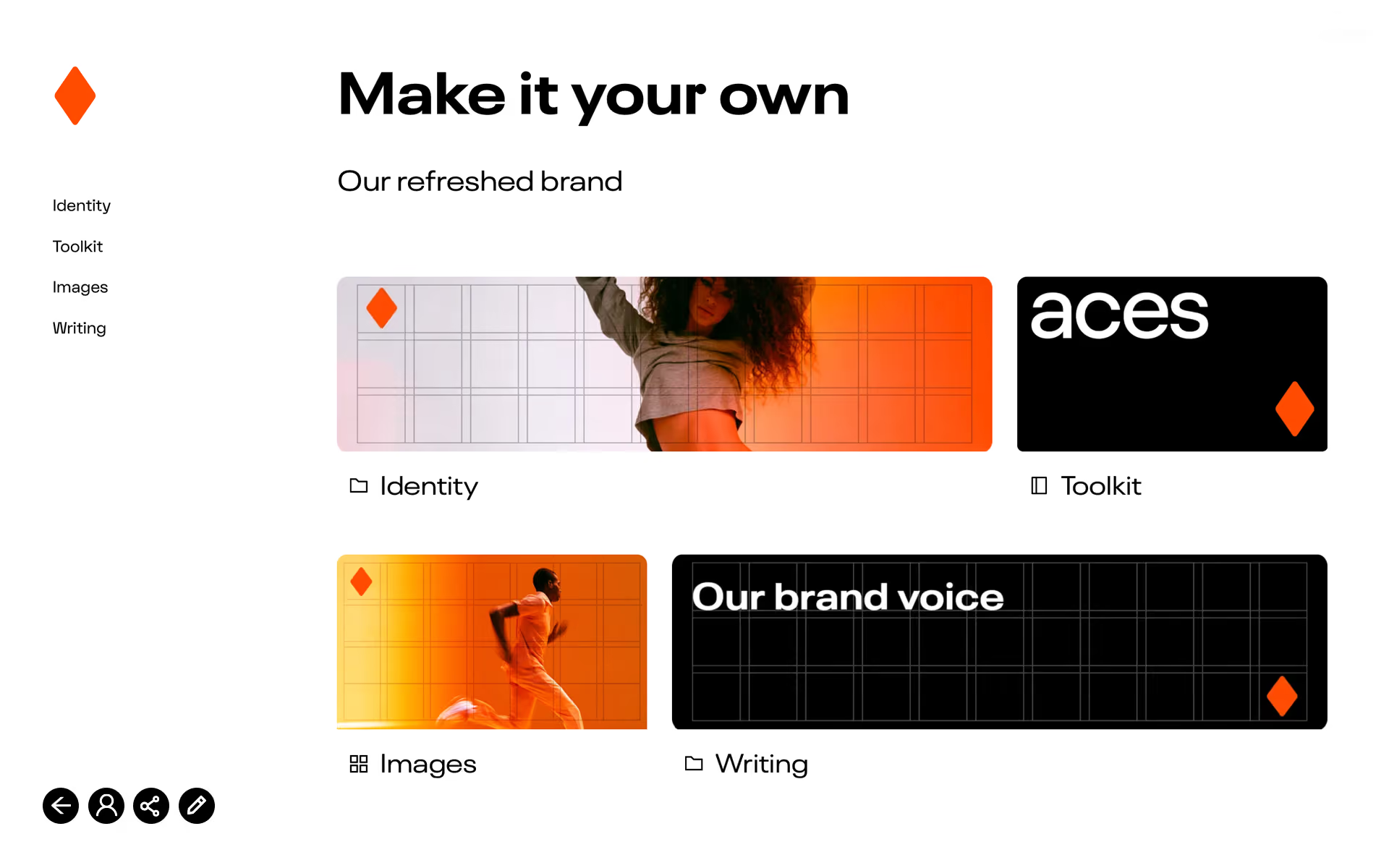
Website interface showcasing a refreshed brand with the heading 'Make it your own' and subheading 'Our refreshed brand.' Four sections are listed on the left: Identity, Toolkit, Images, Writing. On the right are four panels: Identity with a woman dancing against a white and orange gradient background, Toolkit with the word 'aces' in white text on black background, Images with a man running against an orange background, and Writing with the text 'Our brand voice' on a black grid background. Each panel includes an orange diamond logo.
Webpage section titled 'MAKE IT YOUR OWN' with navigation links Image Library, Brand Identity, Merchandise on the left; main images show a man exercising with battle ropes in an outdoor urban setting, a close-up of a person's legs in exercise gear squatting, and a muscular shirtless man holding a towel over his shoulder.
A digital interface with a blue to purple gradient background featuring the bold white logo 'wörk' at the top left. Large white text reads 'make it your own'. Four sections appear: a photo of 'wörk. focus. connect.' text on a glass wall labeled 'our brand story'; a logo blueprint with measurements labeled 'brand guidelines'; a subway station ad featuring the 'wörk' logo and an office scene labeled 'photography'; and a street billboard with a person reading and the 'wörk' logo labeled 'marketing'. Navigation icons are at the bottom left.
User interface design titled 'Make it your own' with a dark background and a red star logo in the top left corner; a sidebar menu on the left lists options: Sharing, User roles, Edit mode, Styling, Icons, Access control, Clients, Structure, Filters. The main panel shows nine cards with orange-red gradient-themed items representing these categories: a shopping bag for Sharing, a coffee cup for User roles, a note card with icons for Edit mode, framed art with typographic symbols for Styling, a phone screen with icons for Icons, an access badge for Access control, a theater screen for Clients, three floating cubes with folder and window icons for Structure, and a folded paper with a magnifying glass for Filters. Four round buttons featuring navigation, user, sharing, and edit icons appear at the bottom left.
Branding page layout titled 'Make it your own' featuring four sections: a 3D cube with the text BLNC around a rock representing Our brand story; a logo blueprint with measurements labeled Brand guidelines; a black and white photo of modern architecture labeled Photography; and cosmetic product bottles on concrete blocks labeled Marketing.
Arrow pointing left.
Arrow pointing right.

Your Style - Not Ours

Looks like your brand, not a system. Customise the entire guide layout for a complete, immersive branding experience. Personalise everything from the domain and white-label interface to the exact colour tokens, typography and styling. Make your Brandguide look and feel so native that your team forgets it’s a platform and simply treats it as home.

Extra pages

Create a 360º branded experience.

Home Page

Add cards, content links and buttons to send users directly to the right place. Add videos or large images on the page for an engaging experience.
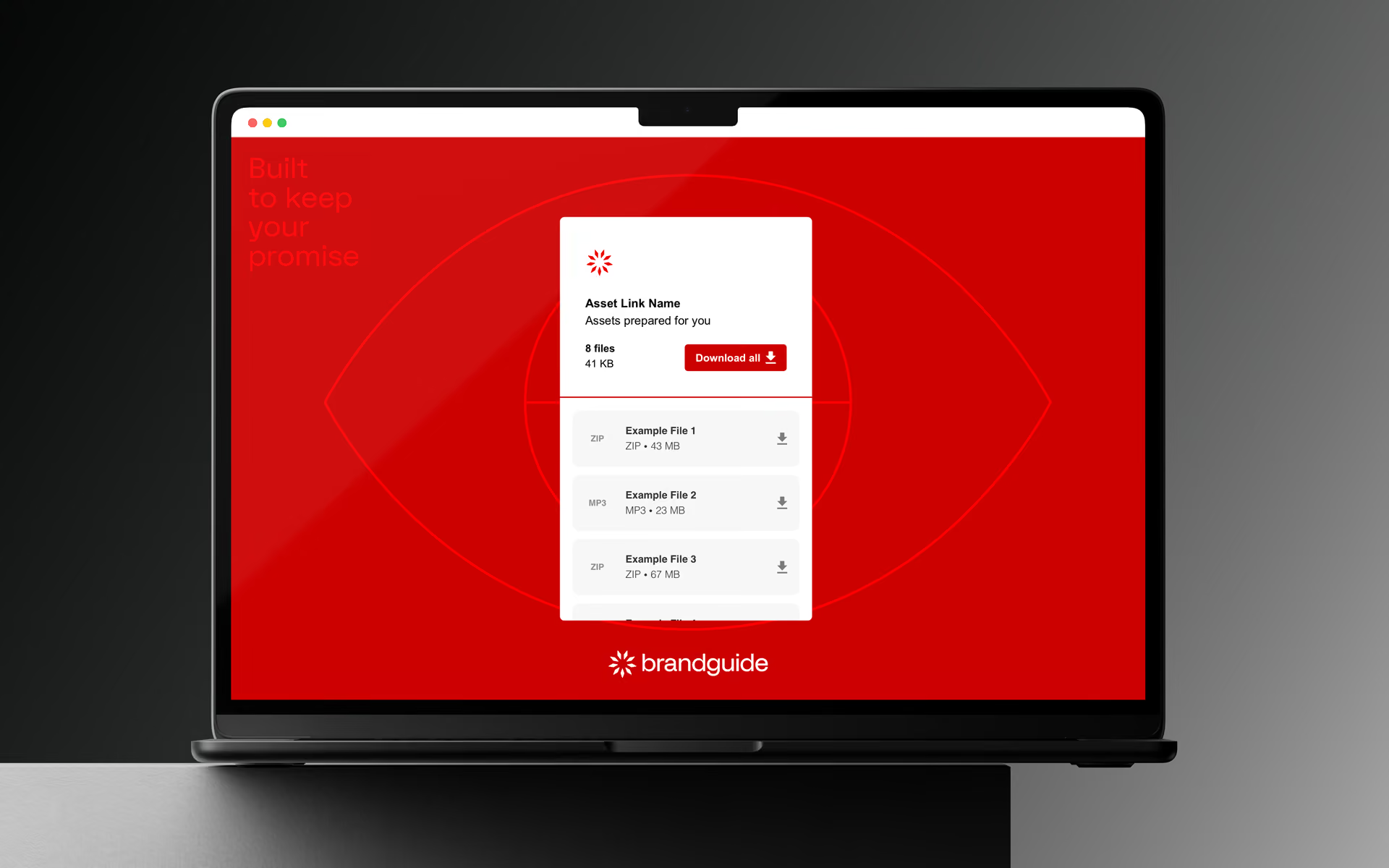
Red background with an abstract eye shape and globe lines, featuring a white download card in the center titled Share_Section with brandguide logos, offering one 1 KB SVG file for download with buttons labeled Download all and a file-specific download icon. Text on the left reads 'Built to keep your promise.'

Transfer Page

Safely share assets with everyone. Send even the largest files in style directly via Brandguide while retaining full ownership and all rights.
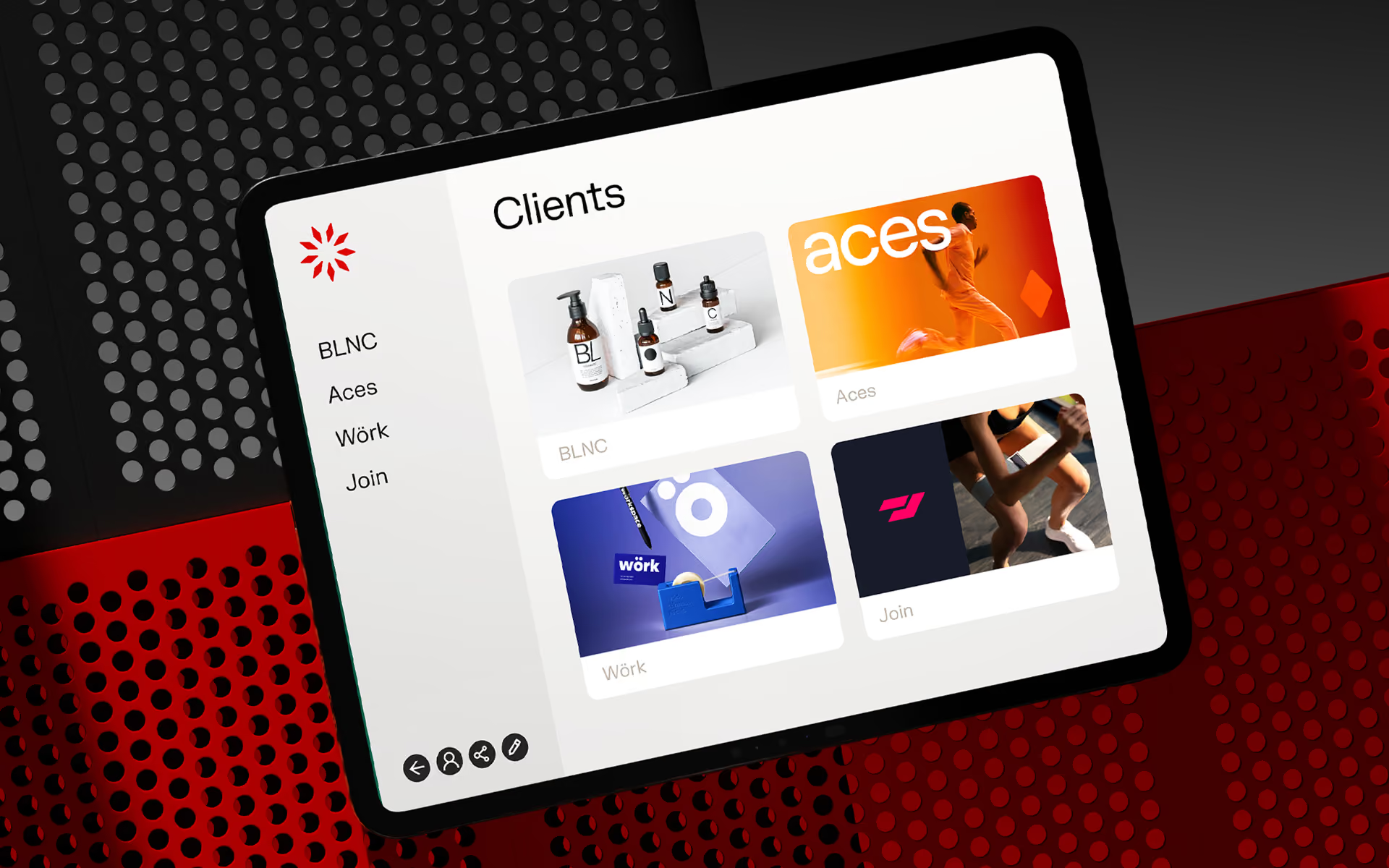
Website client page with a black background and white text titled 'Clients' showing four client cards: a BLNC round outdoor sign, a woman with blue hair against a green pixelated background for Soundcube, a collection of blue marketing items including a pen and tape dispenser for Wörk, and a bright orange background with white text 'Colllect' with doodle icons.

Client Page

Manage all your client Brandguides with ease. Give each client a unique Brandguide.com URL. Controlled via your agency workspace.

Turn your Brandguide into a powerful digital tool and eliminate creative chaos.
‍
Streamline your asset management, keep fast-moving teams perfectly aligned and protect your identity from day one.

Start Your Demo Now

Let us show you how easy it is to turn your brand into the central force of your organisation.